
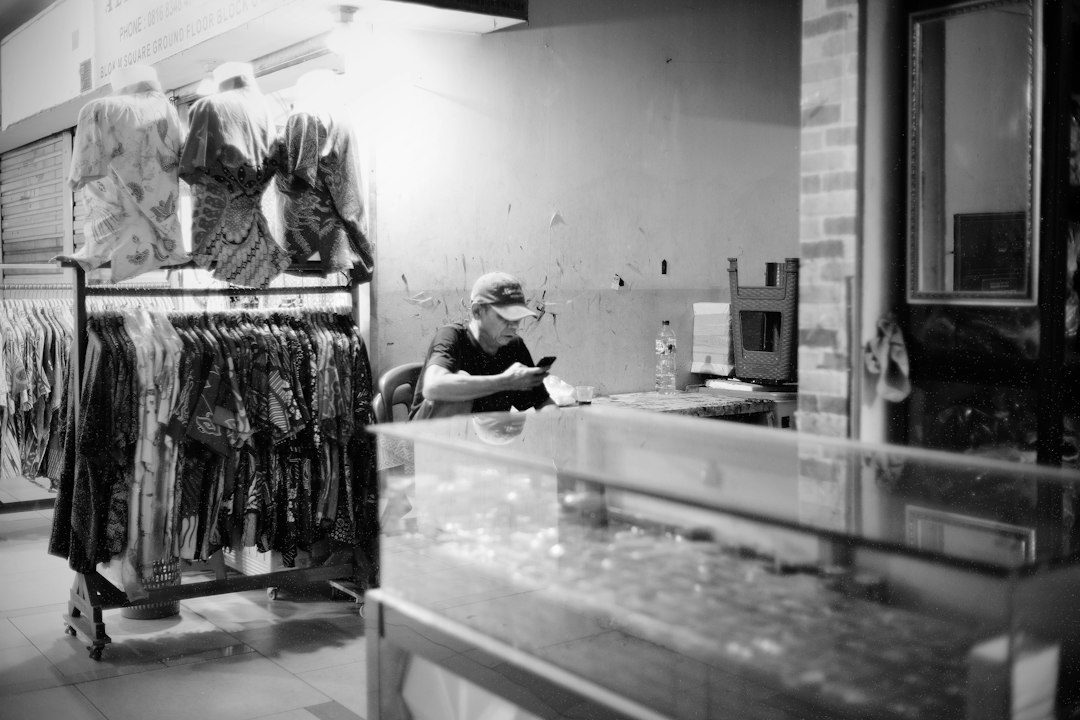
Picture a customer searching for a business like yours from the couch. They see your name, your star rating, and a handful of photos. In about three seconds they decide whether you look open, friendly, and worth the drive. If your photos are blurry, outdated, or missing altogether, that customer is already scrolling to your competitor.
Photos are one of the most overlooked parts of a Google Business Profile, and they quietly shape how people feel about your business before a single word is read.
The Problem With an Empty or Outdated Gallery
A profile with no photos feels abandoned. A profile with photos from five years ago, before the remodel or the new menu, feels misleading. Customers want to know what they will actually find when they arrive, and they trust businesses that show it.
Many owners also leave the gallery to chance, hoping customers will upload something flattering. Customer photos can be wonderful, but they are not a strategy, and you cannot count on them to show your best side.
What Great Profile Photos Show
Start with the outside of your business, because people want to recognize the building when they pull up. Add shots of the entrance, the parking, and the signage. Then move inside and show your space, your products, and your team at work. Real people doing real work build trust faster than anything else.
If you offer services, show the results. A finished project, a plated dish, a freshly styled display, or a smiling customer with permission all tell your story. Keep the lighting bright and the images sharp, and avoid heavy filters that make things look different from reality.
Keep Your Gallery Fresh
Make photos part of your routine. Add a few new images every month, and update them for the seasons and the holidays. Fresh photos signal that your business is active, and they give customers a reason to believe your hours and information are current too.
Do not forget your logo and cover photo. These are the first images people see, so make sure they are clear and match the look of your website and other profiles.
Show That You Take Care of Your Space
Customers notice the details in your photos, including whether the space looks tidy, well lit, and safe. Many owners add a business security system to protect their inventory and their people, and it supports the professional, well-kept image that makes new customers comfortable walking through the door.
Make It a Habit This Week
Take ten minutes today to snap a few photos with your phone. Upload an exterior shot, an interior shot, and a picture of your team or your best product. Then repeat the process monthly. Small, steady updates turn your profile into a window that invites people in.
Leave a Reply